Navigation in ERADIANT
In ERADIANT you can access all important areas through a clear, consistent navigation.
This page briefly explains the key elements.
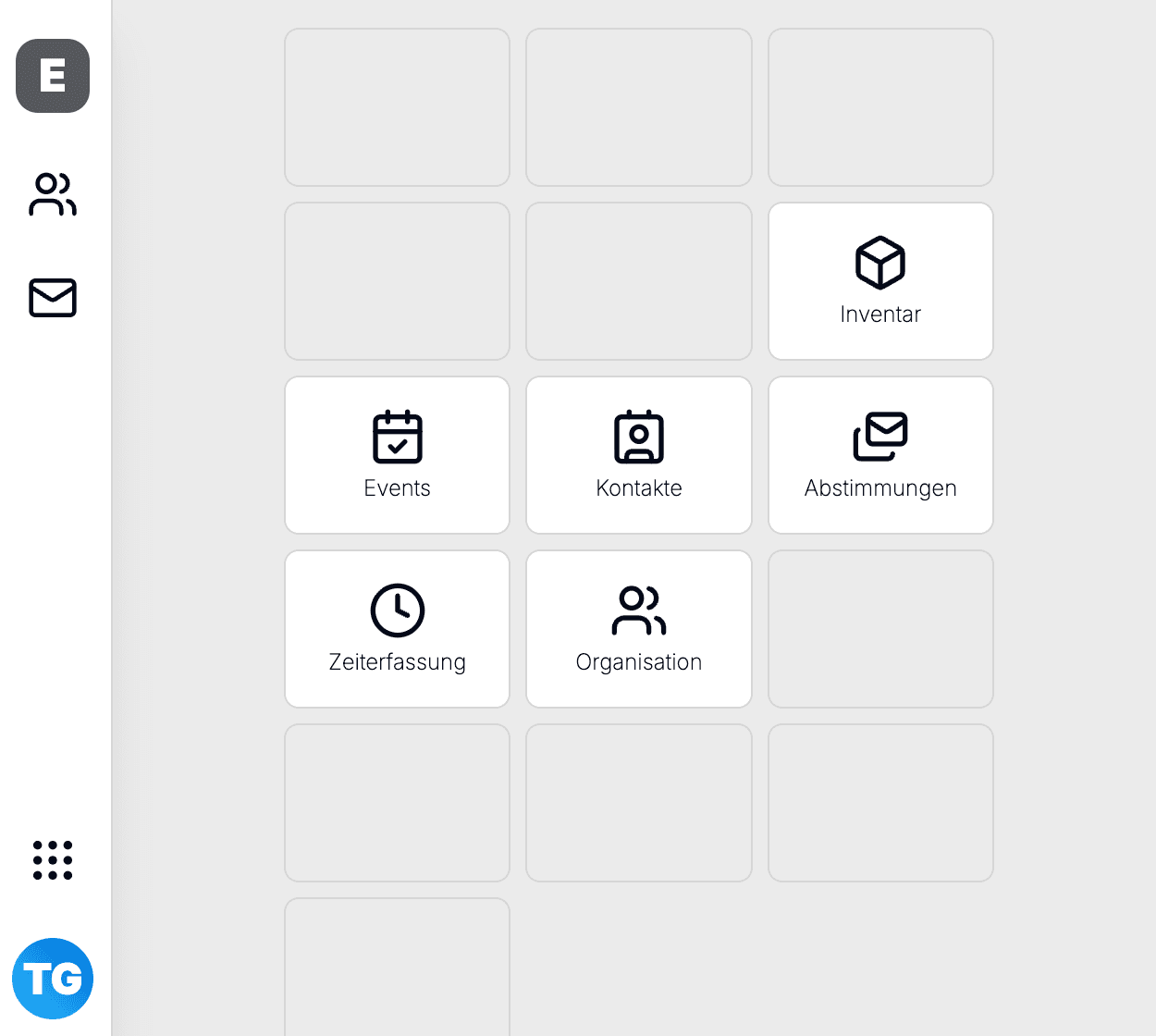
Switch organization (top left)
In the top left you see the first letter and the name of the currently selected organization (e.g. your company, university or project team).
- Clicking the organization name opens a menu that lets you switch between all modules of this organization.
- Hovering over the organization name opens a search field that lets you switch between all organizations you are a member of.
Left sidebar
The left sidebar is the main navigation within the selected module.
- Top left: When you open a module you see icons on the left for the submodules (e.g. events, mailings, program, website, networking).
- Further levels: When hovering over the icons, additional entries for specific areas may appear (e.g. event settings, program, edit website).
- Text: The text on the left shows you which module you are currently in.
- 9 dots: Here you can switch between modules within an organization (visible depending on your permissions).
Your profile and settings (bottom left)
At the bottom left of the navigation you find your personal area (your initials):
- User dashboard: Overview page with all your organizations.
- Sign out: Option to log out of your profile.
- Language switch: Switch the UI language (e.g. German / English). The choice applies to your current session and – where available – is stored.
Organizations overview
- Multi-tenant: You can be a member of multiple organizations (e.g. Company A, Company B, association).
- Context: All data (events, contacts, mailings, etc.) always belongs to the currently selected organization.
- Roles: Your permissions (e.g. event admin, contacts admin) are defined per organization and can differ from one organization to another.
If you can’t find an event or contact, first check whether the correct organization is selected in the top left.