User account
No local installation required
ERADIANT is a fully web-based platform.
You do not need any local installation and do not have to install additional software on your computer. You access ERADIANT directly in your browser and can work from various devices (laptop, tablet, desktop, smartphone).
User account & access
To use ERADIANT you need a user account and an organization.
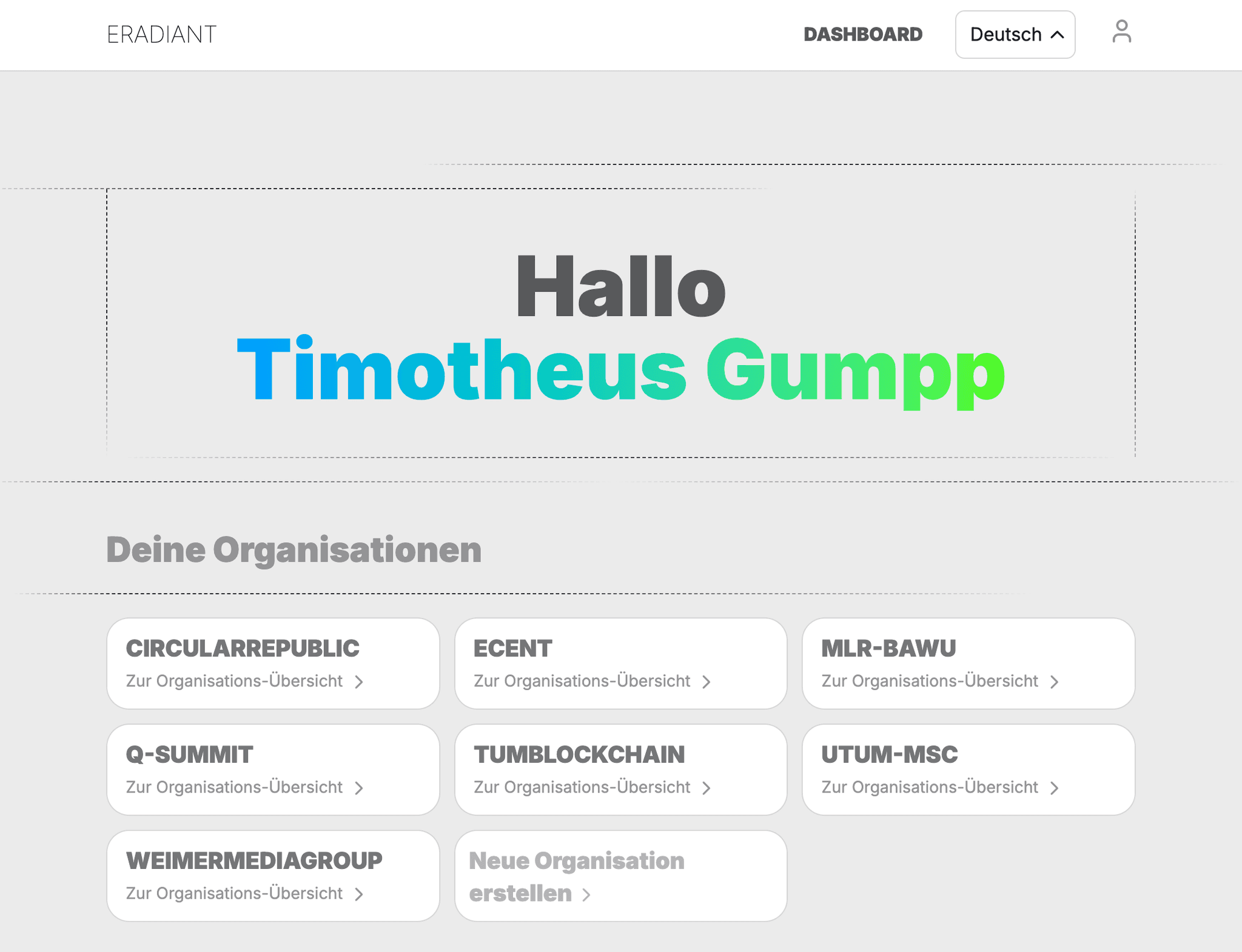
- Login
- Open the ERADIANT website in your browser: https://eradiant.eu/
- Click the icon in the top right.
- Log in with your email address and password or choose “Create account” if you do not have access yet.
- Create your own user account
- Create a personal account with your email address.
- Confirm your email address using the verification link that is sent to you.
- Create an organization or join one
- After your first login you will be asked to create an organization (e.g. your company, university or project team) or you can join an existing organization via invitation.
- If you create a new one: choose a clear name (tag), an optional description and your nickname.
- Roles & permissions
- Organization admins can invite additional team members and assign roles (e.g. event admin, contacts admin, ...).
- This ensures that each person sees and can edit exactly the areas they need.
- Onboarding by our team (optional)
- On request we support you in setting up your first events, configuring modules and setting up roles and workflows.
If you need help setting up your account or organization, feel free to contact the ERADIANT team.